Two ways to trace
Two modes. Both remarkable.
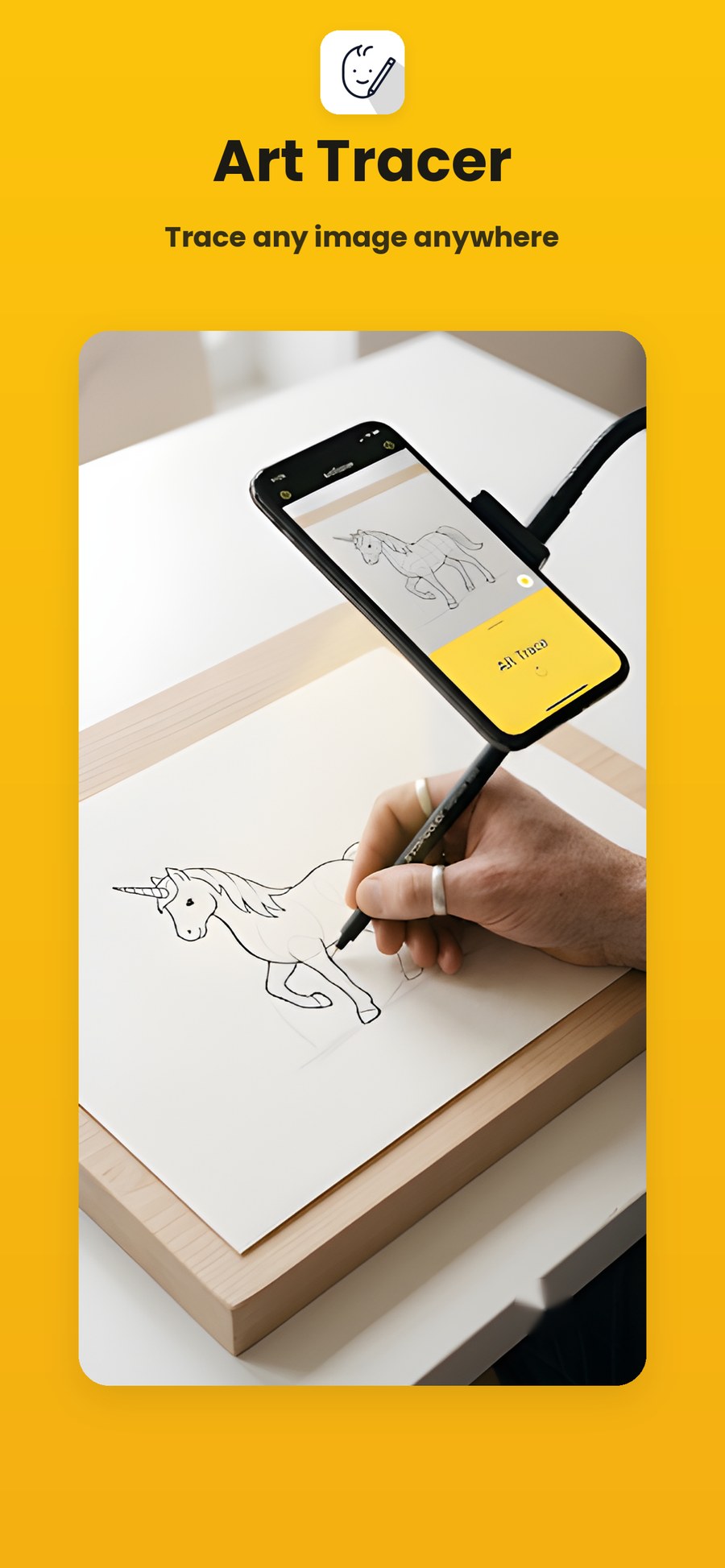
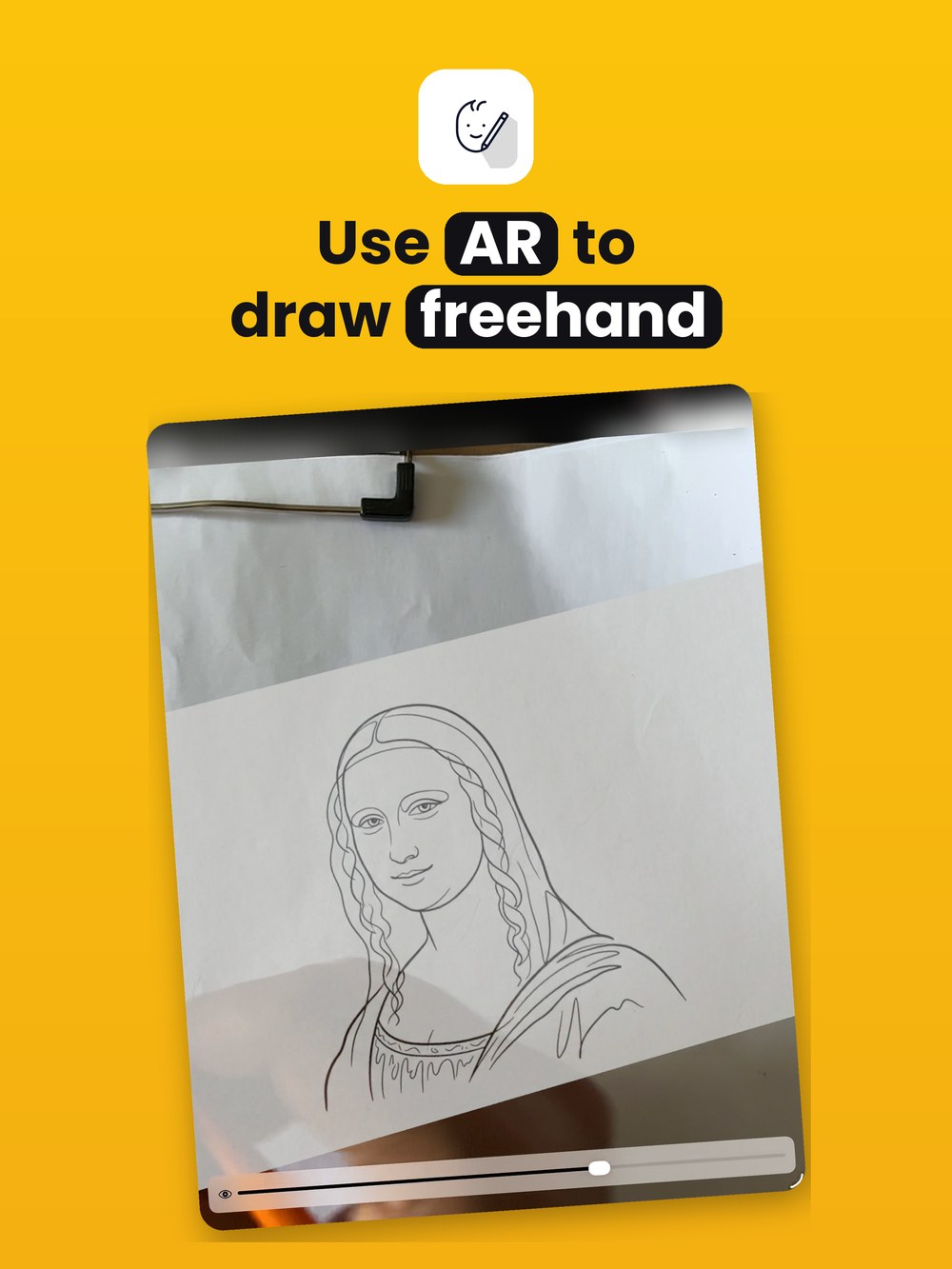
Float your reference over the camera, or lock it into the real world with AR. Whatever you're making, there's a mode for it.
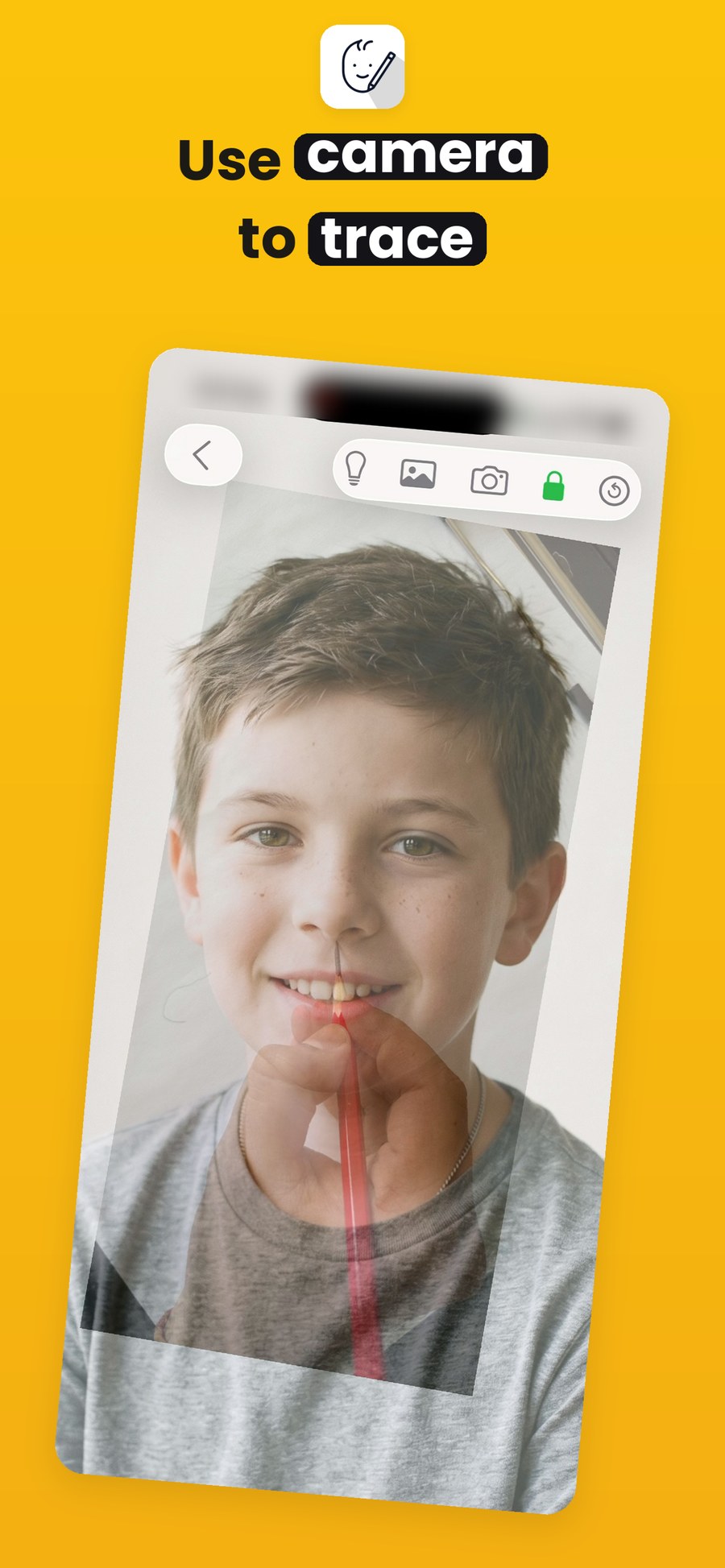
Camera mode.
Instant overlay.
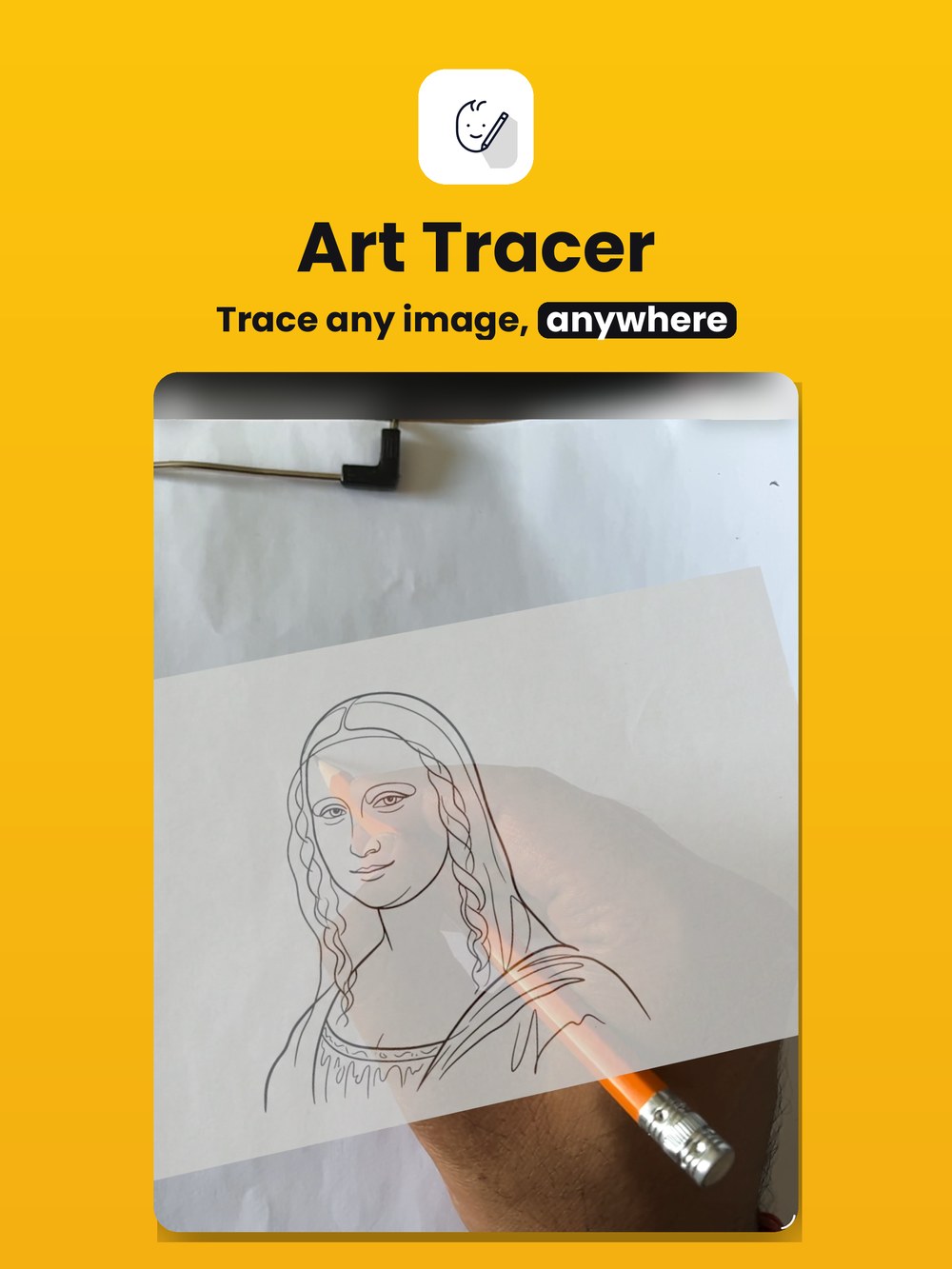
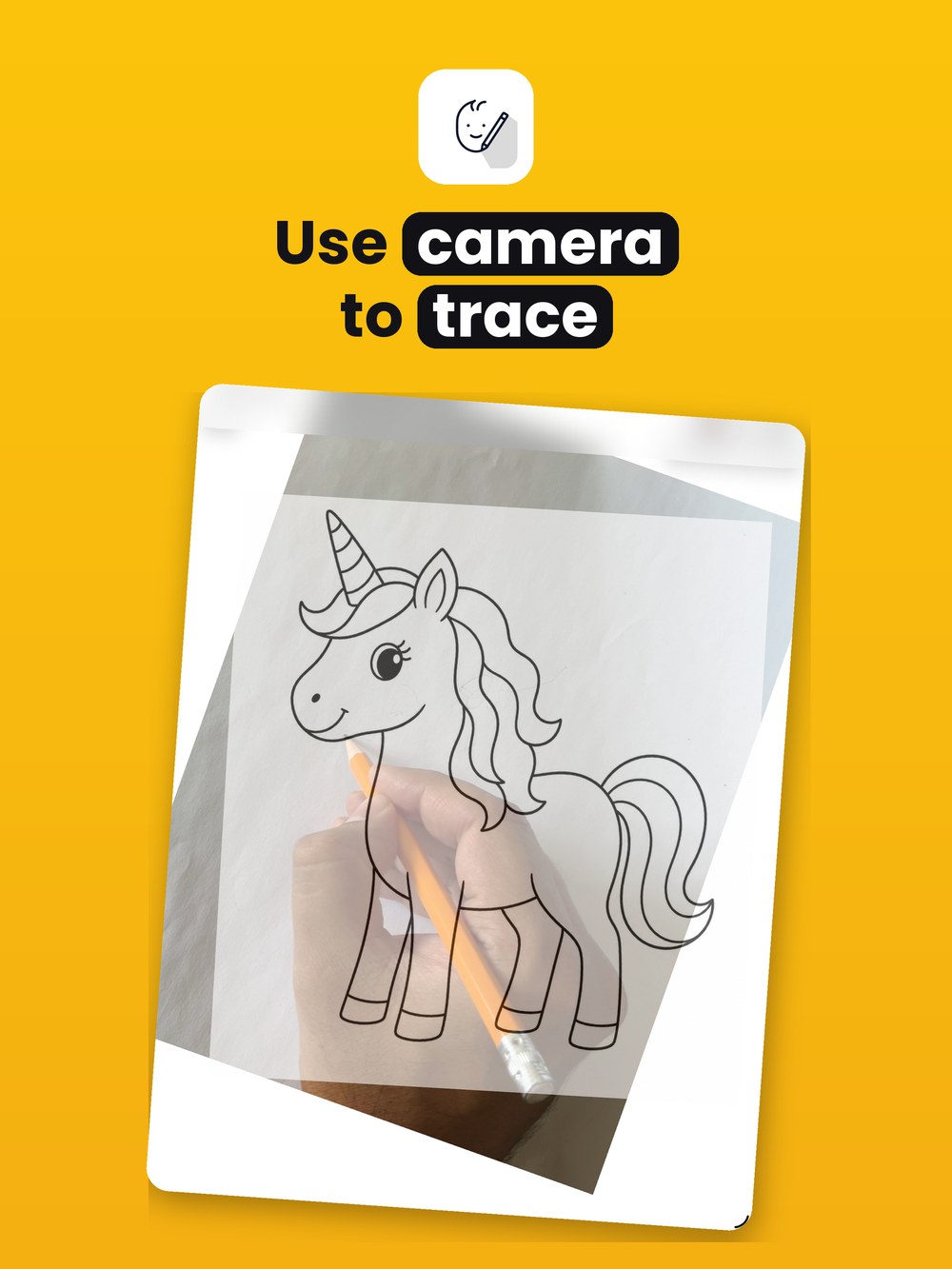
Your image floats over the live camera feed. Pinch to resize, drag to reposition, rotate to angle it — and adjust opacity to see both the reference and your surface at once. Control the image and camera layers independently for a perfect line-up.
AR mode.
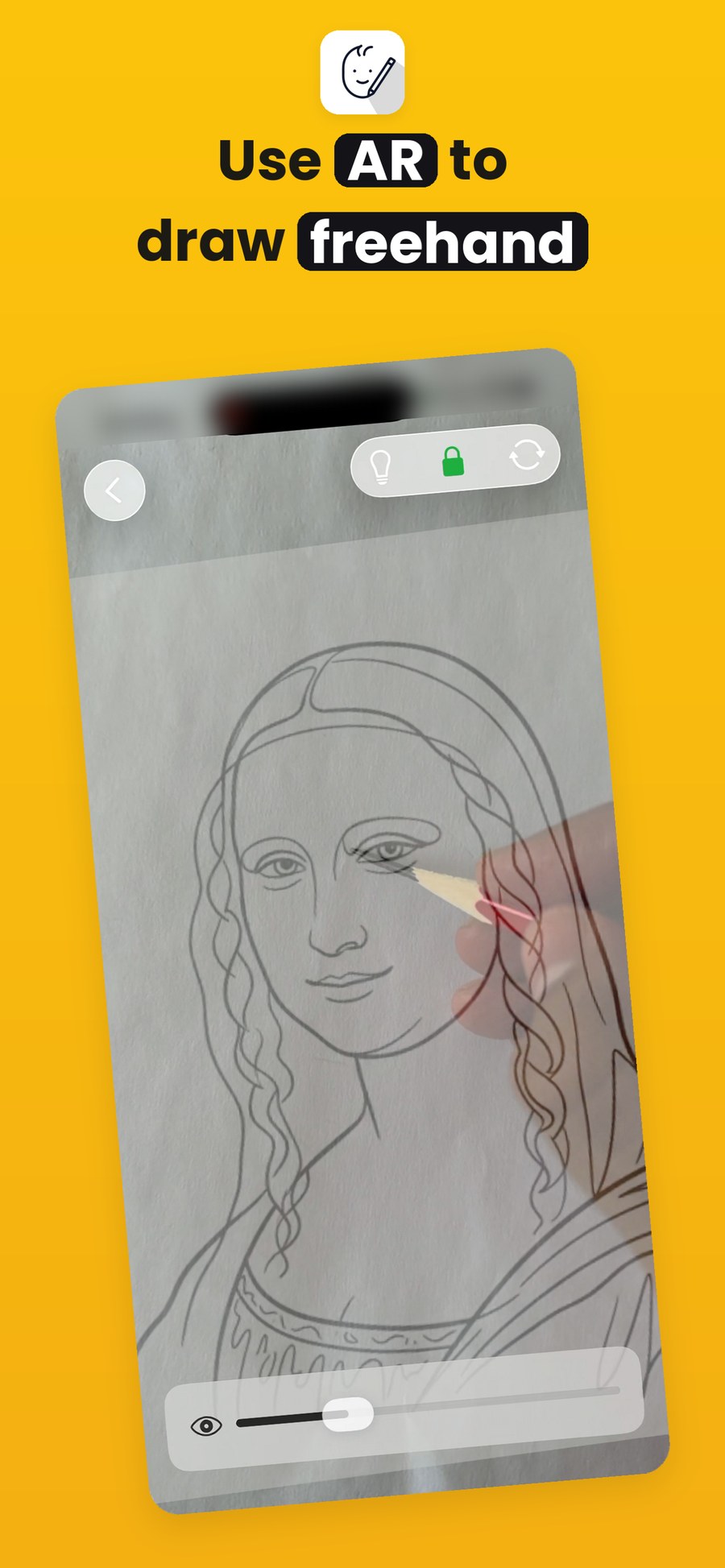
Locked to your world.
Place your image onto a real surface with augmented reality. Scale it, lock it in place, and trace with the reference anchored in 3D space — so it stays put as you move around. Ideal for large surfaces, murals and walls.